
Actions are functions that will help you control the modal, subscribe to wallet events and interact with them and smart contracts.
Open and close the modal#
You can also select the modal's view when calling the open function
List of views you can select
| Variable | Description |
|---|---|
Connect | Principal view of the modal - default view when disconnected. A namespace can be selected to connect to a specific network (solana, bip122, or eip155). |
Account | User profile - default view when connected. |
AllWallets | Shows the list of all available wallets. |
Networks | List of available networks - you can select and target a specific network before connecting. |
WhatIsANetwork | "What is a network" onboarding view. |
WhatIsAWallet | "What is a wallet" onboarding view. |
OnRampProviders | On-Ramp main view. |
WalletSend | Token sending interface that allows users to send tokens to another address. |
Swap | Swap main view. |
ProfileWallets | View for managing connected wallets in the user profile. |
Disconnect#
WalletInfo#
Metadata information from the connected wallet
Svelte Store Integration#
You can use Svelte stores to manage AppKit state across your application:
Wallet Buttons#
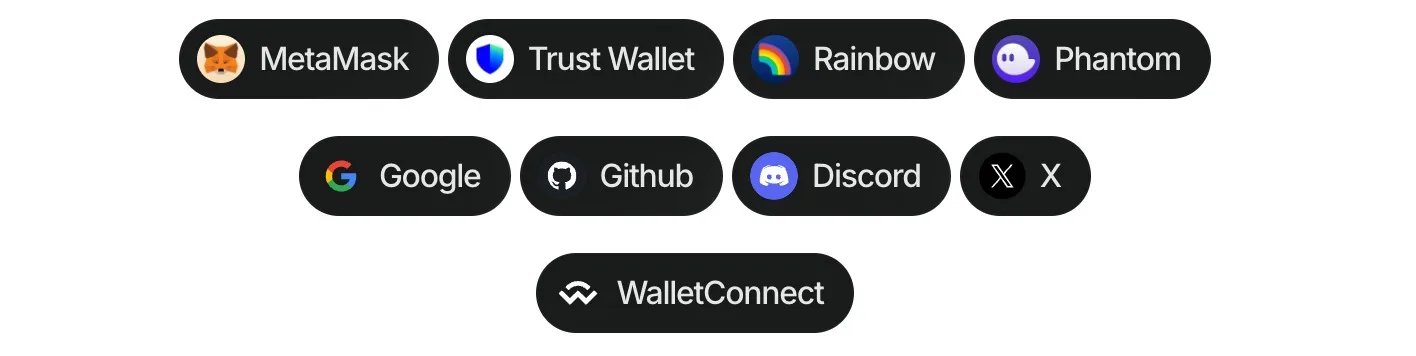
Using the wallet button functions (Demo in our Lab), you can directly connect to more than 40 of the top wallets globally, WalletConnect QR, and all the social logins. This allows to customize dApps, enabling users to connect their wallets effortlessly, all without the need to open the traditional modal.
Follow these steps to use wallet buttons:
- Install the package:
- Import and use in your Svelte project:
Make sure to call wallet button methods after createAppKit has been initialized.
Multichain Support#
You can specify a blockchain namespace to target specific chains:
Options for wallet property#
| Type | Options |
|---|---|
| QR Code | walletConnect |
| Wallets | metamask, trust, coinbase, rainbow, jupiter, solflare, coin98, magic-eden, backpack, frontier, xverse, okx, bitget, leather, binance, uniswap, safepal, bybit, phantom, ledger, timeless-x, safe, zerion, oneinch, crypto-com, imtoken, kraken, ronin, robinhood, exodus, argent, tokenpocket, haha, ambire-wallet, bitpay, blade-wallet, brave, coinstats, kresus-superapp, plena-app, status, tomo-wallet, valora, and zengo-wallet |
| Social logins | google, github, apple, facebook, x, discord, and farcaster |
Options for namespace property#
| Value | Description |
|---|---|
eip155 | Ethereum and EVM-compatible chains |
solana | Solana blockchain |
bip122 | Bitcoin blockchain |
Ethereum Library#
You can use Wagmi actions to interact with wallets and smart contracts:
Read more about Wagmi actions for smart contract interaction here.
Ethers can help us interact with wallets and smart contracts:
Modal State#
Get the current value of the modal's state
The modal state is an object of two properties:
| Property | Description | Type |
|---|---|---|
open | Open state will be true when the modal is open and false when closed. | boolean |
selectedNetworkId | The current chain id selected by the user. | number |
You can also subscribe to the modal's state changes.
ThemeMode#
Set the themeMode after creating the modal
Get the current themeMode value by calling the getThemeMode function
themeVariables#
Set the themeVariables after creating the modal
Get the current themeVariables value by calling the getThemeVariables function