
AppKit provides a simple solution for integrating with "Sign-In With Ethereum" (SIWE), a new form of authentication that enables users to control their digital identity with their Ethereum account. SIWE is a standard also known as EIP-4361.
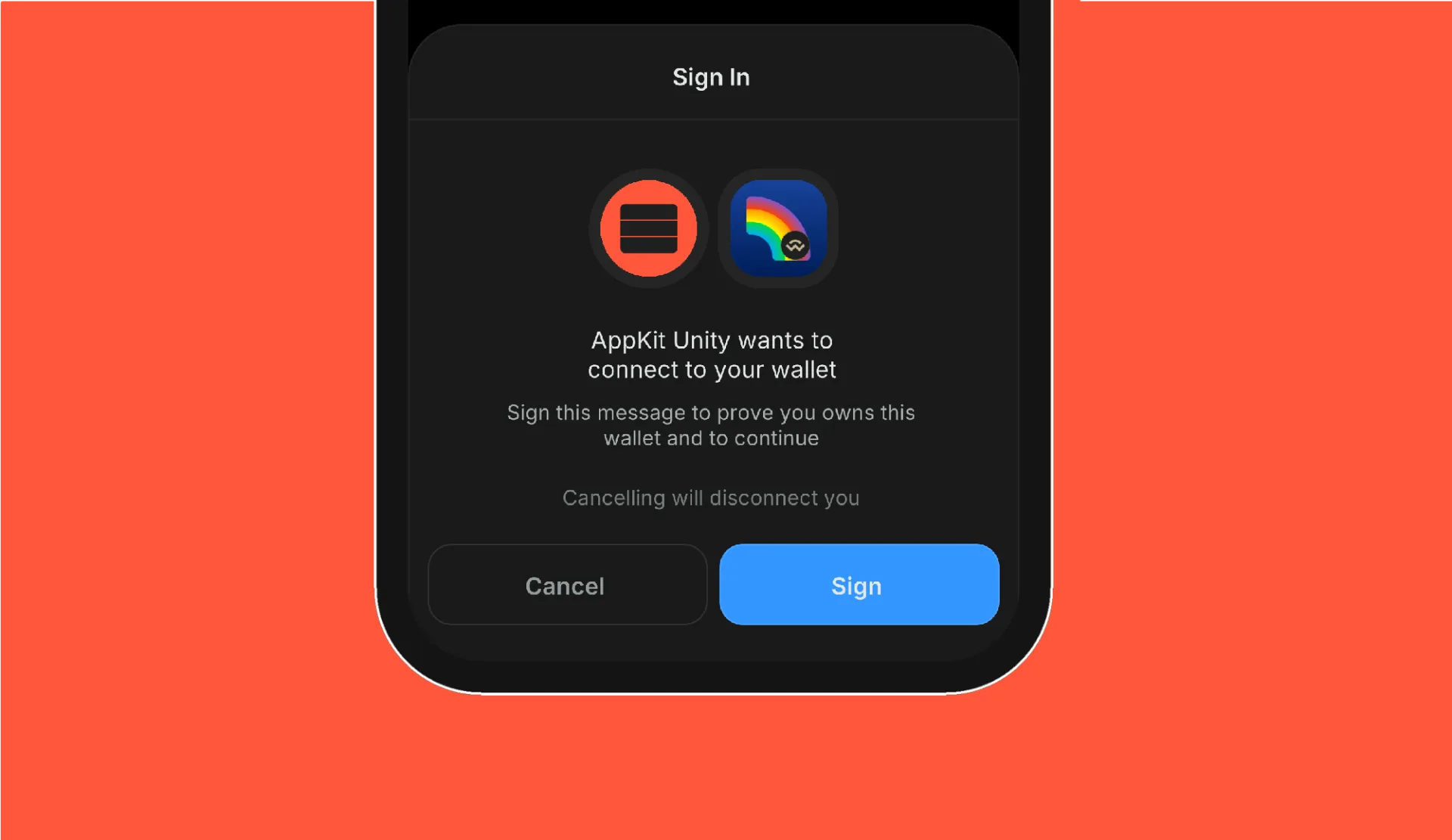
One-Click Auth#
One-Click Auth represents a key advancement within WalletConnect v2, streamlining the user authentication process in AppKit by enabling them to seamlessly connect with a wallet and sign a SIWE message with just one click.
Connecting a wallet, proving control of an address with an off-chain signature, authorizing specific actions. These are the kinds of authorizations that can be encoded as "ReCaps". ReCaps are permissions for a specific website or dapp that can be compactly encoded as a long string in the message you sign and translated by any wallet into a straight-forward one-sentence summary. WalletConnect uses permissions expressed as ReCaps to enable a One-Click Authentication.
One-Click Auth and Sign-In With Ethereum are currently not supported on WebGL.
Local Address Verification#
When connecting wallets to applications using the WalletConnect protocol, the wallet supplies a list of accounts. However, there is a potential risk that the wallet could provide an address the user does not control. To mitigate this account spoofing risk, the standard practice is to require the user to sign a message with the provided address and then verify the signature.
The Sign-In With Ethereum (SIWE) feature in AppKit can facilitate this verification process, enabling the application to confirm the user's Ethereum address even the app doesn't have a backend.
0. Create basic SIWE configuration#
1. Initialize AppKit with your SiweConfig#
Add the SIWE configuration to AppKitConfig
With this configuration, AppKit will enforce address verification and invoke the SignInSuccess delegate when the
user successfully verifies the address.
Sign-In With Ethereum with Backend#
To use 1-CA + SIWE at full extend, a backend for communication is required. This backend will be used to generate a nonce, verify messages and handle sessions. You can read more about SIWE backend implementation at here.
0. Create SIWE configuration#
1. Initialize AppKit with your SiweConfig#
Add the SIWE configuration to AppKitConfig